

Run or walk 100k your way this June
Challenge yourself while raising vital funds this summer for babies, children and young people living with life-limiting conditions.
Mix and match your pace and style to complete 100k across June (that’s 62.13 miles)
42
people registered
160
people donated
£2,683
raised
How it works
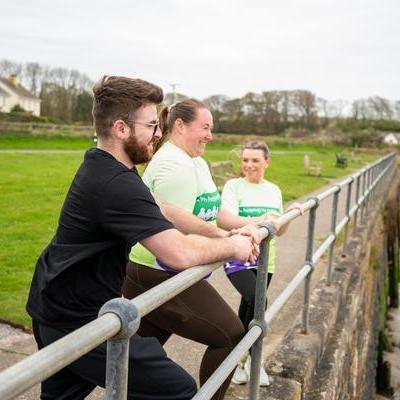
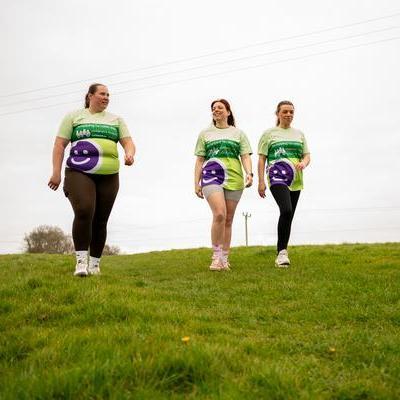
Whether you’re carving out some me time on a daily 3k, jogging with friends twice a week or saving your distance for a feel-good weekend hike, get fit and keep active while raising funds.
1. Register
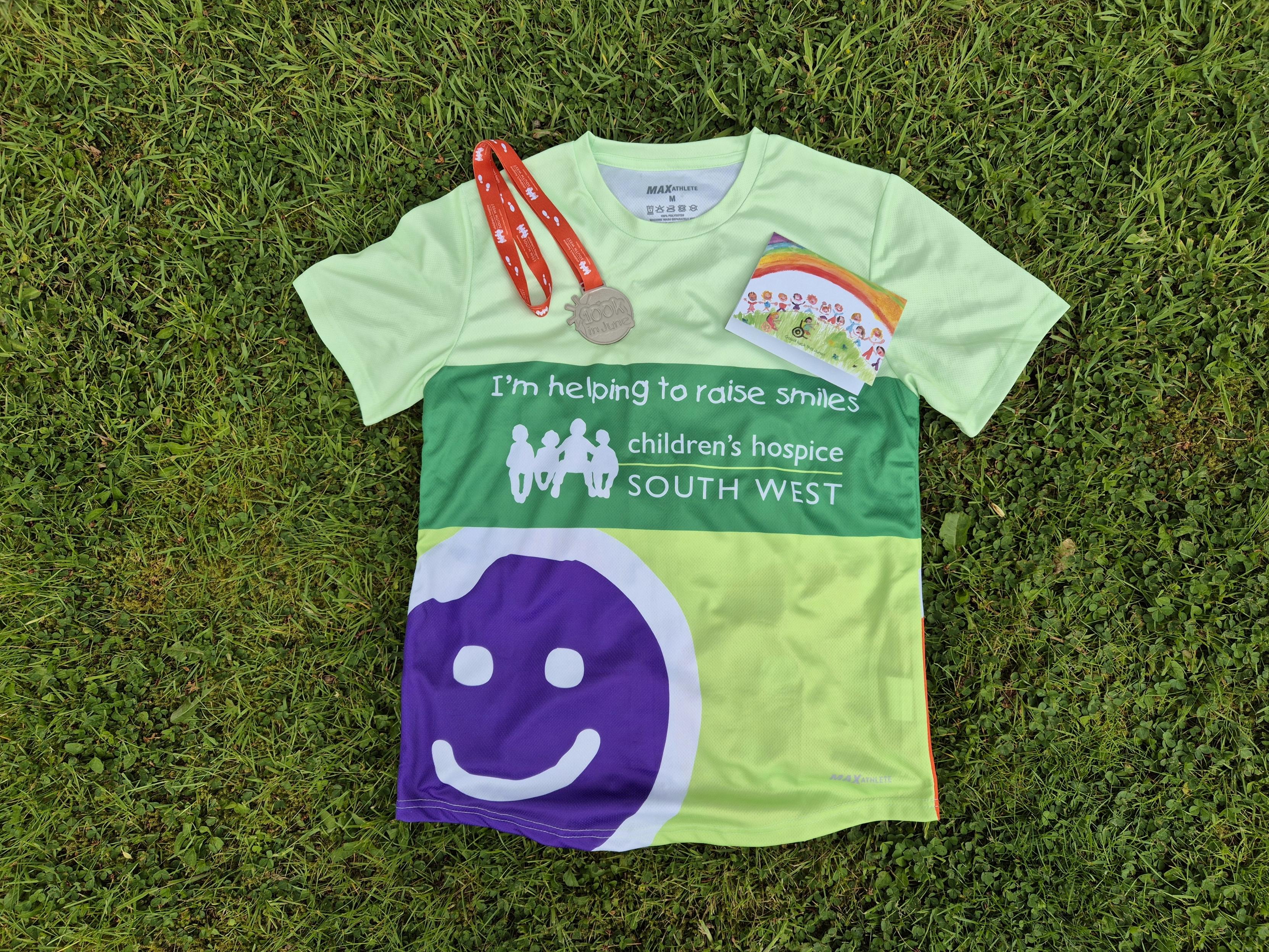
Sign up for free today to receive your free t-shirt2. Connect
Join our Facebook group and Strava Club, and share your fundraising page far and wide
3. Move
Complete your 100k in June and receive a medal for your incredible efforts100k in June Leaderboards
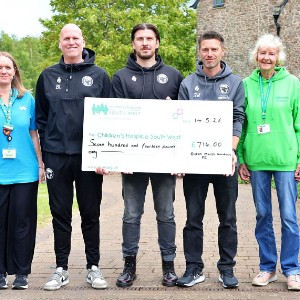
Most funds raised

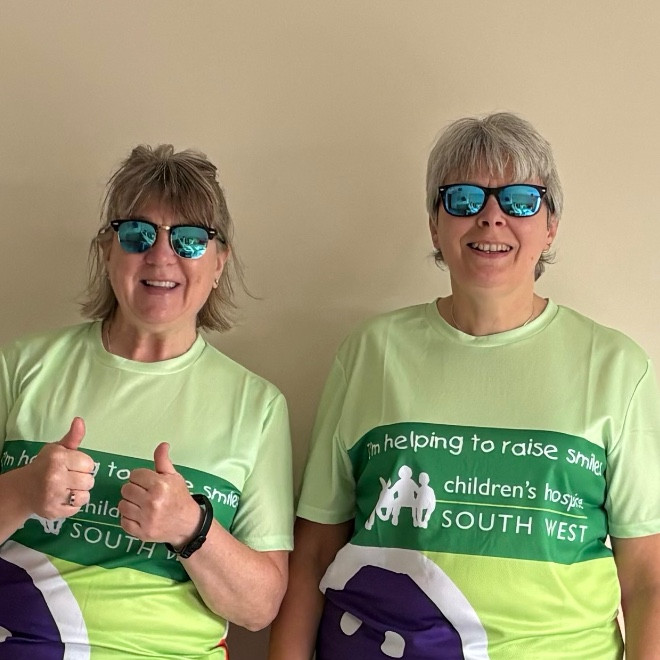
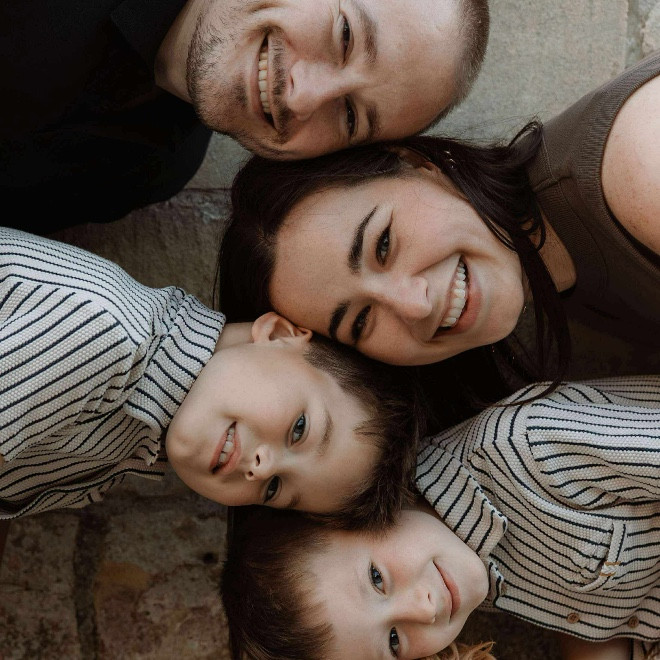

How your 100k in June helps families
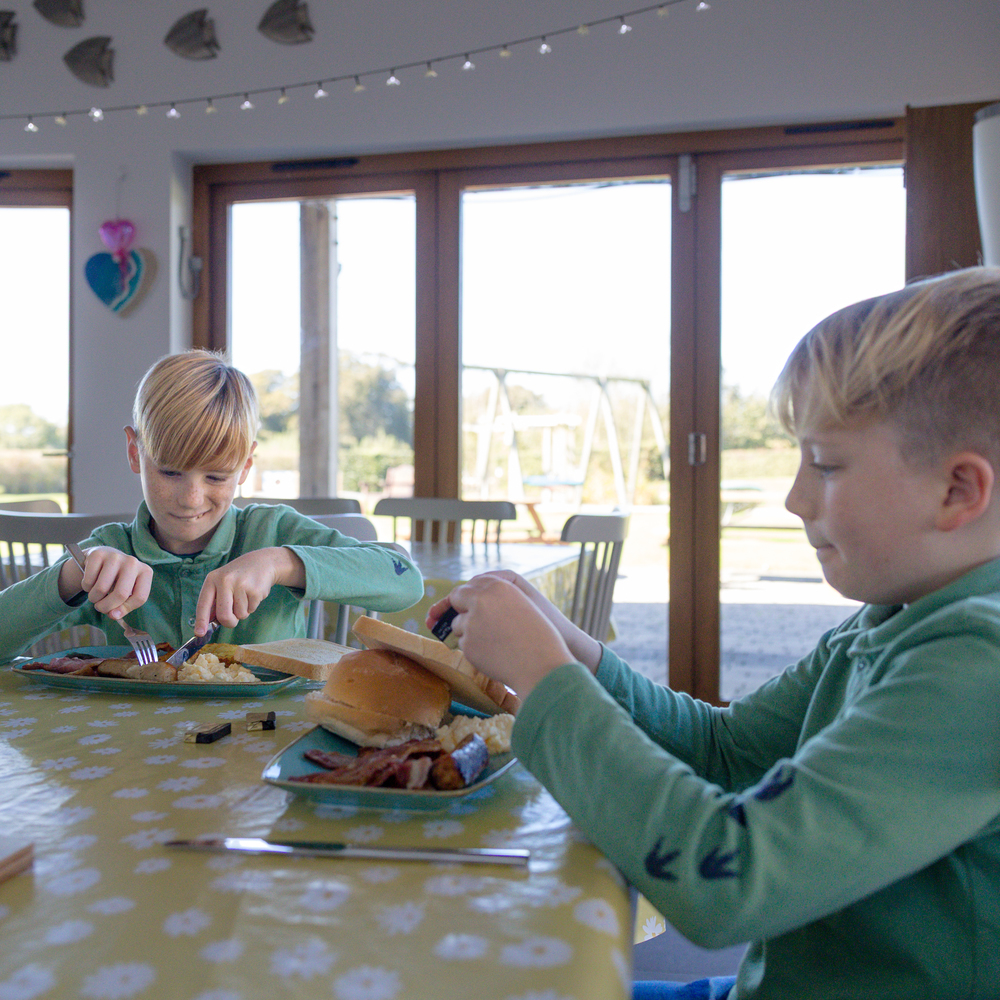
£60 could pay for freshly prepared, hot meals for the whole family to enjoy together during a stay
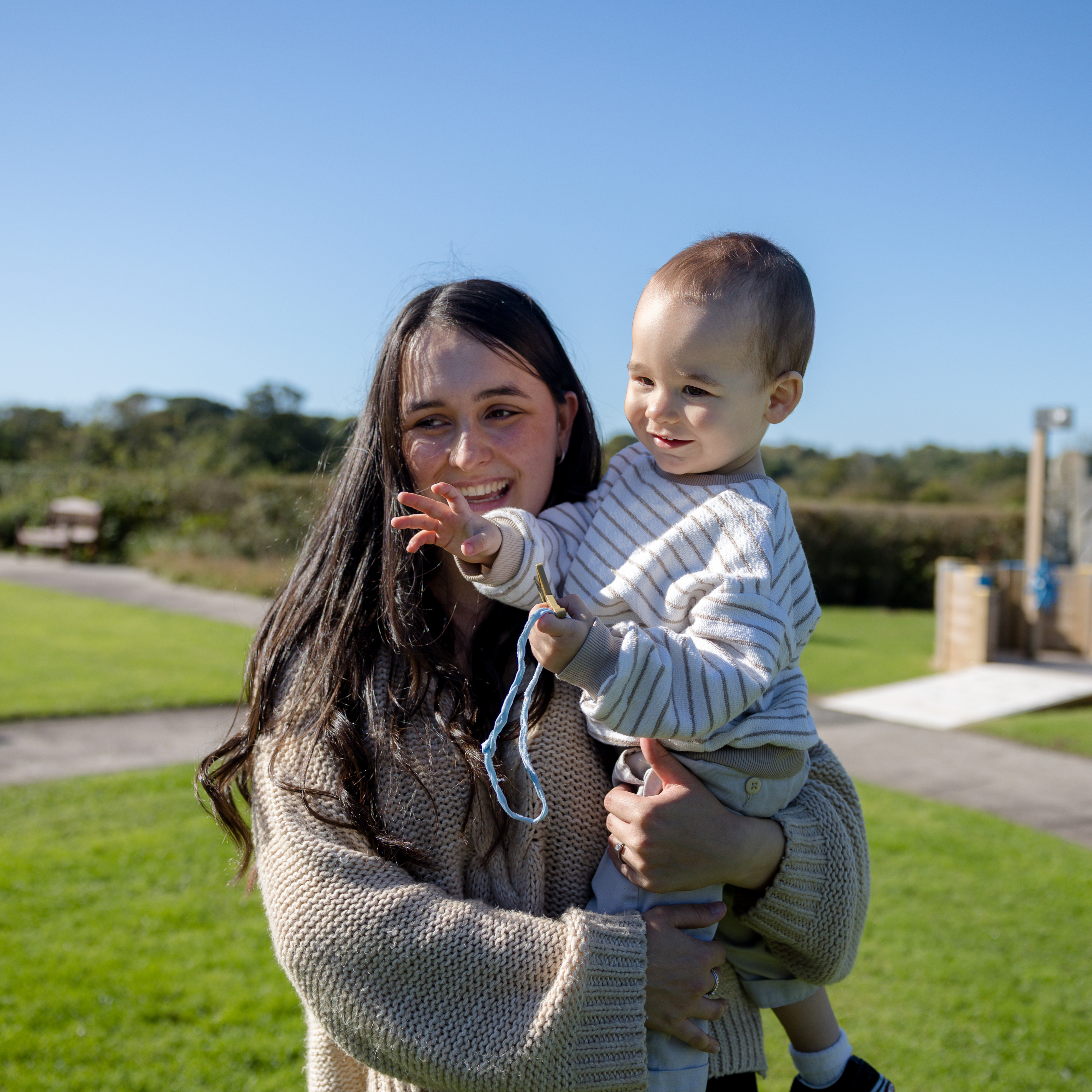
£93 could fund an hour of care for a family at one of our hospices
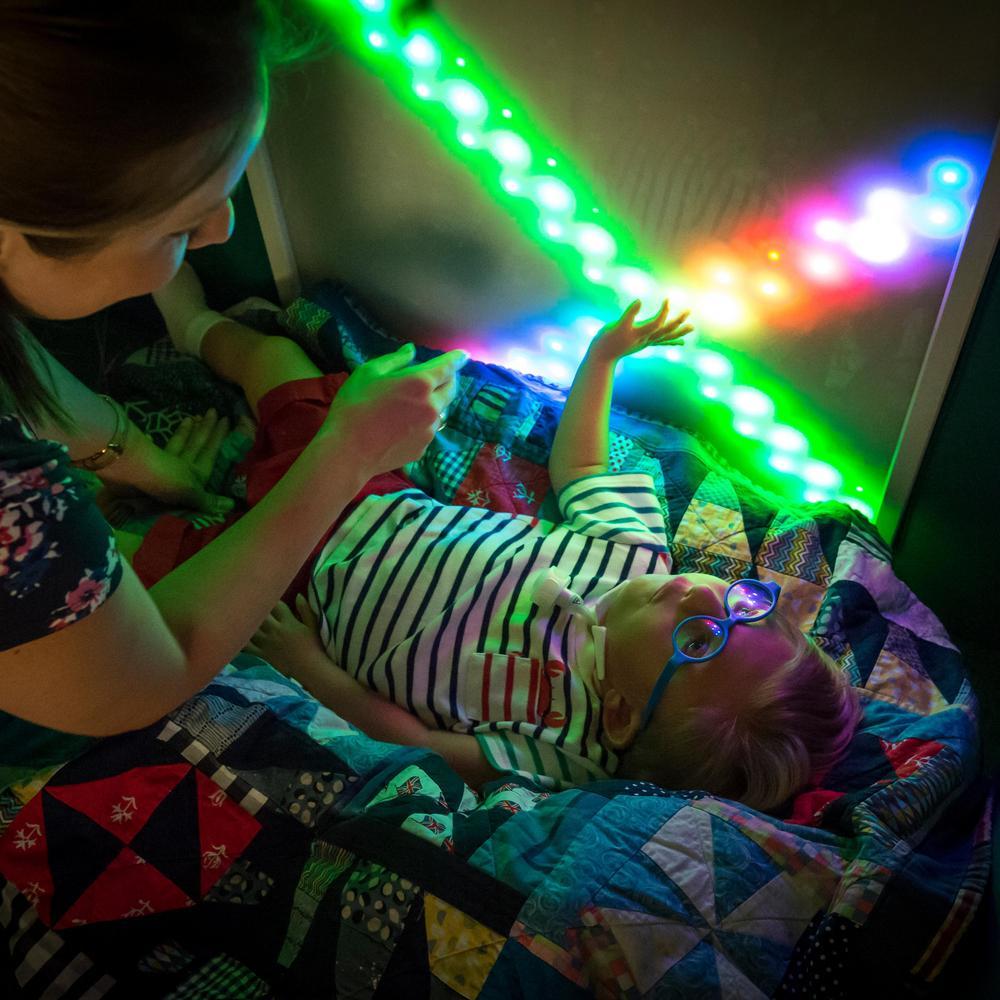
£205 could pay for heat, light and power for 1 day at 1 of our hospices
Let's stay in touch
Subscribe to emails to stay up to date with the latest events, news and family stories.
FAQ
How do I track my activity?
If you use Strava you can connect your account to track your activity automatically! See the FAQ below this one for details.
Otherwise you can manually add your exercise to the tally in the My Fitness Activity tab within your logged in dashboard:
1. Log in to your account and select My Fitness Activity.
2. Under Add activity, enter the required fields. Depending on the challenge this may be steps, distance and/duration.
3. The logged activity will now appear on your fundraising page!
How do I connect Strava?
Follow these steps to track your KMs automatically:
1. Download the Strava app and set up your account
2. Log in to your CHSW account
3. Under the heading Connect your preferred Fitness app, click Strava
4. Follow the prompts to connect your account
5. When you next work out, select start your workout in the app on your phone. Once you end your workout, save your workout and your distance will be published to the tally on your page the following day.
If you have synced your app already but it is not working, please log in and re-connect it.
You must start your workout, stop your workout and then SAVE your workout.Your tally will be updated each day with the previous day’s distances.
Don't forget to join our Strava Club too!
Can I connect with others taking part?
Make sure to join the 100k in June Facebook Community to share your progress and keep up to date with event news and updates.
Don't forget to join our Strava Club too!